


Vectarine
Key Features
Section titled “Key Features”User Friendly
Make games and prototypes quickly with a friendly API. Vectarine is snappy, launches instantly and doesn’t get in the way of your ideas.
True Hot Reloading
Edit the code and assets while the game is running and see your changes as soon as you save. Persist the game state across code changes.
Luau Scripting
Use Luau, a language similar to Lua, with optional types for autocompletion and to catch bugs when refactoring.
Cross-platform
Vectarine games work on Windows, Linux, macOS and the browser. The export is instant. It’s the perfect choice for itch.io game jams!
Free and Open Source
Vectarine is MIT licensed, meaning it’s free and you can use it for commercial projects without any restrictions.
Tons of built-in APIs
Vectarine has built-in support for physics, UI, sound, shaders, (potentially infinite) levels, and more.
Get Started
Section titled “Get Started”A minimal example of a Vectarine game:
const graphics = require("@vectarine/graphics")const coord = require("@vectarine/coord")const vec4 = require("@vectarine/vec4")
function Update(deltaTime: number)  graphics.drawCircle(coord.CENTER, 0.5, vec4.RED)end
Gallery
Section titled “Gallery”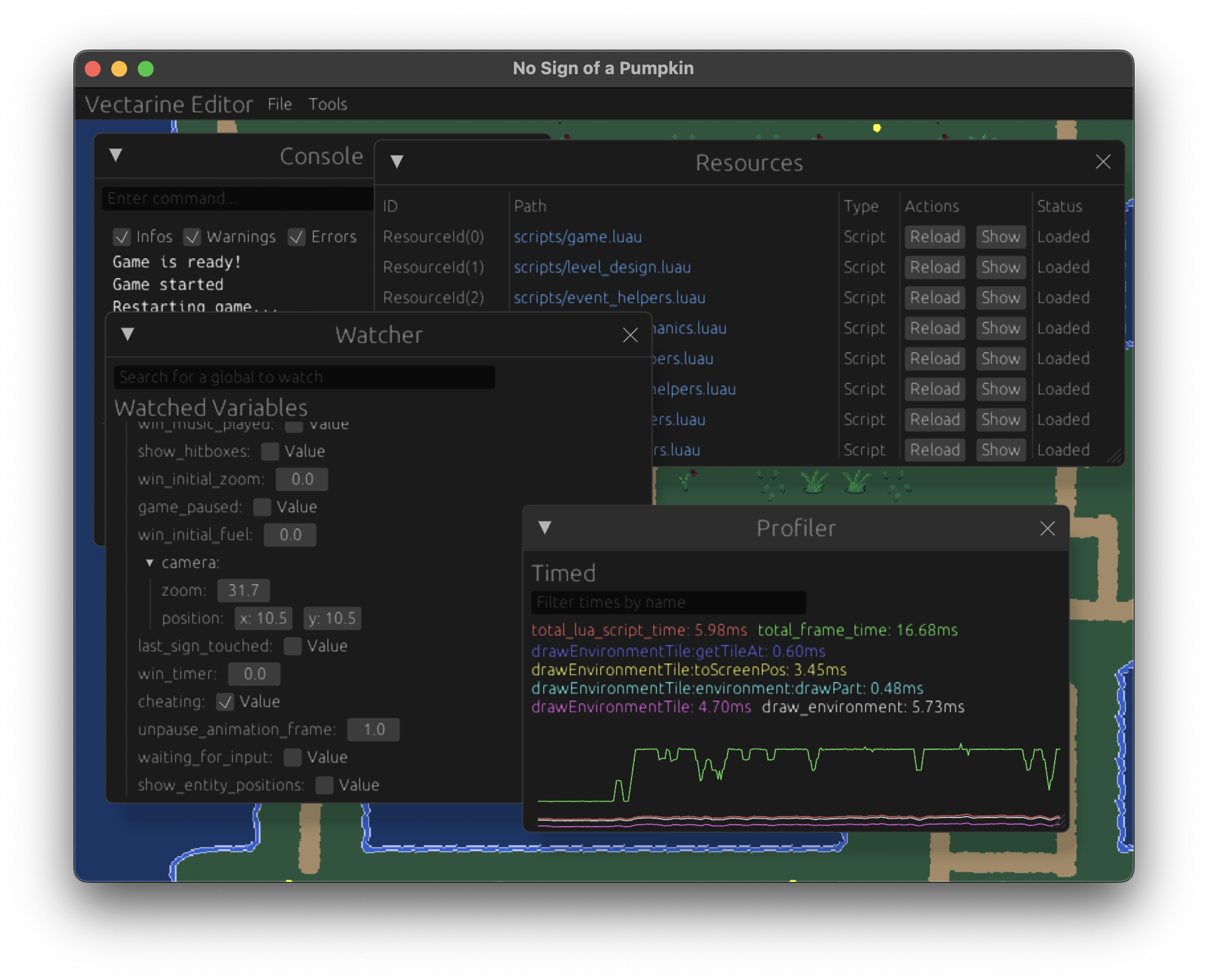
The editor is a fully integrated environment to debug code, manage assets, and run your game in real time.
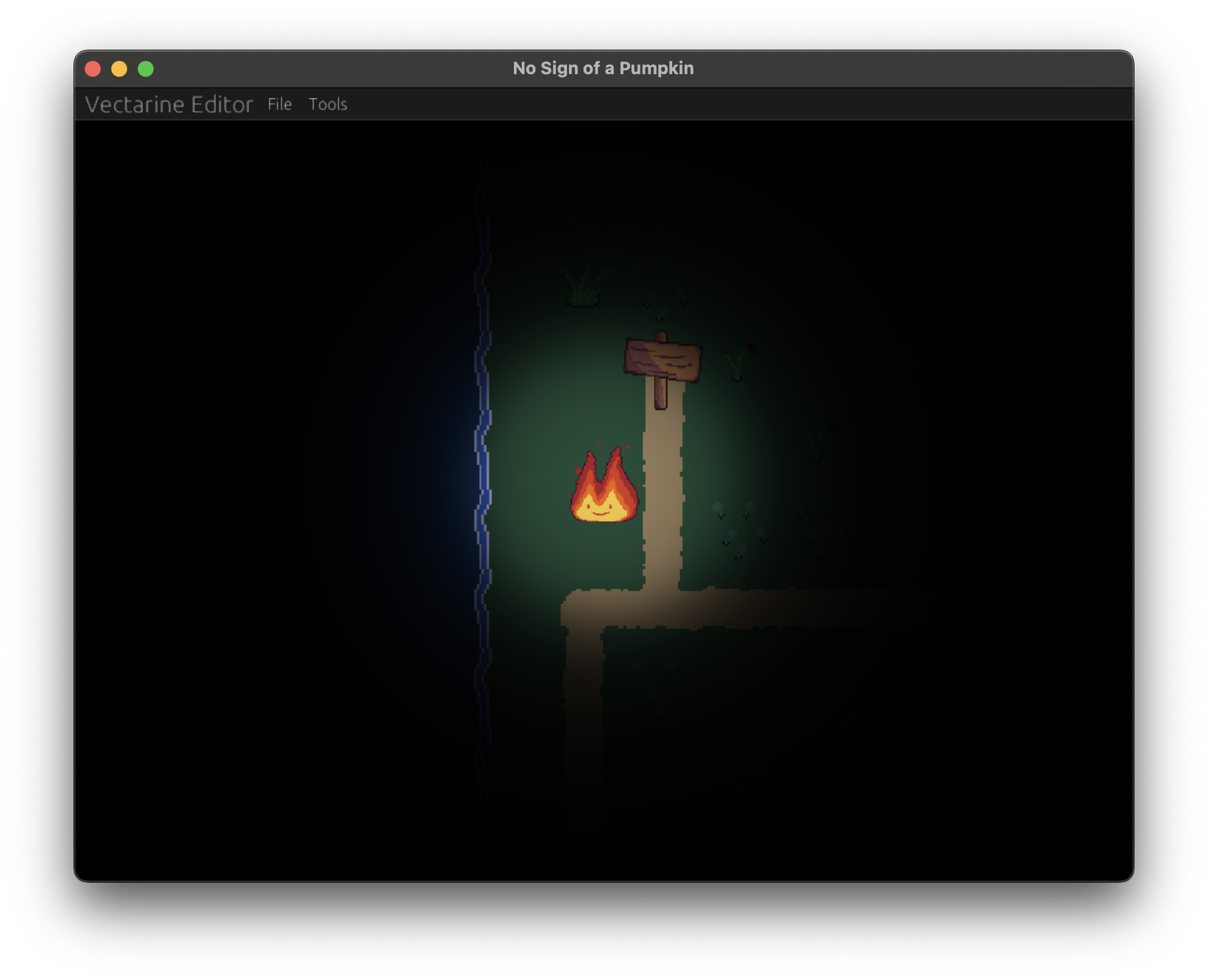
With shaders, you can create real-time point lights and shadows.
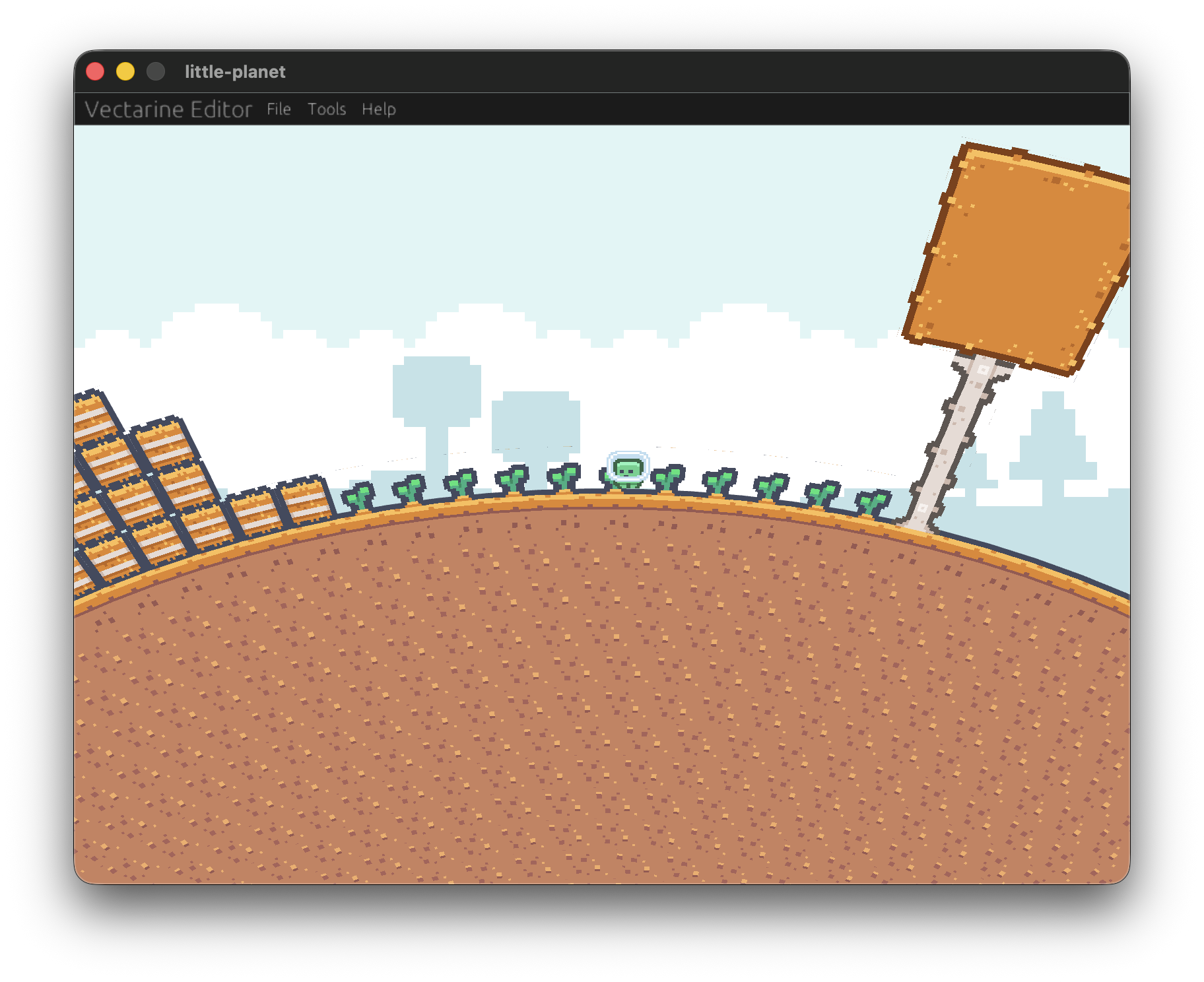
A platformer on a spherical world.
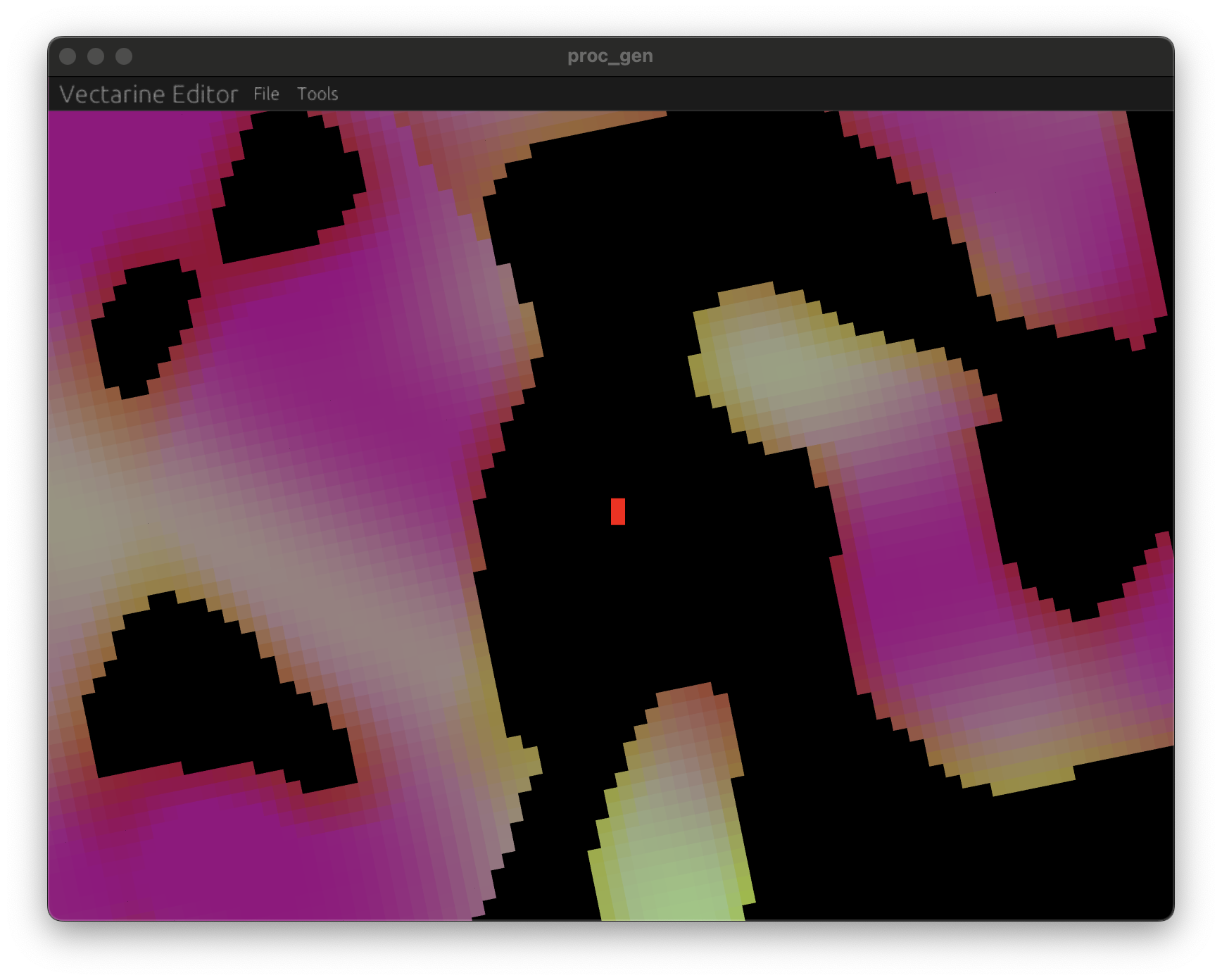
Vectarine has built-in support for procedural generation to create infinite worlds.
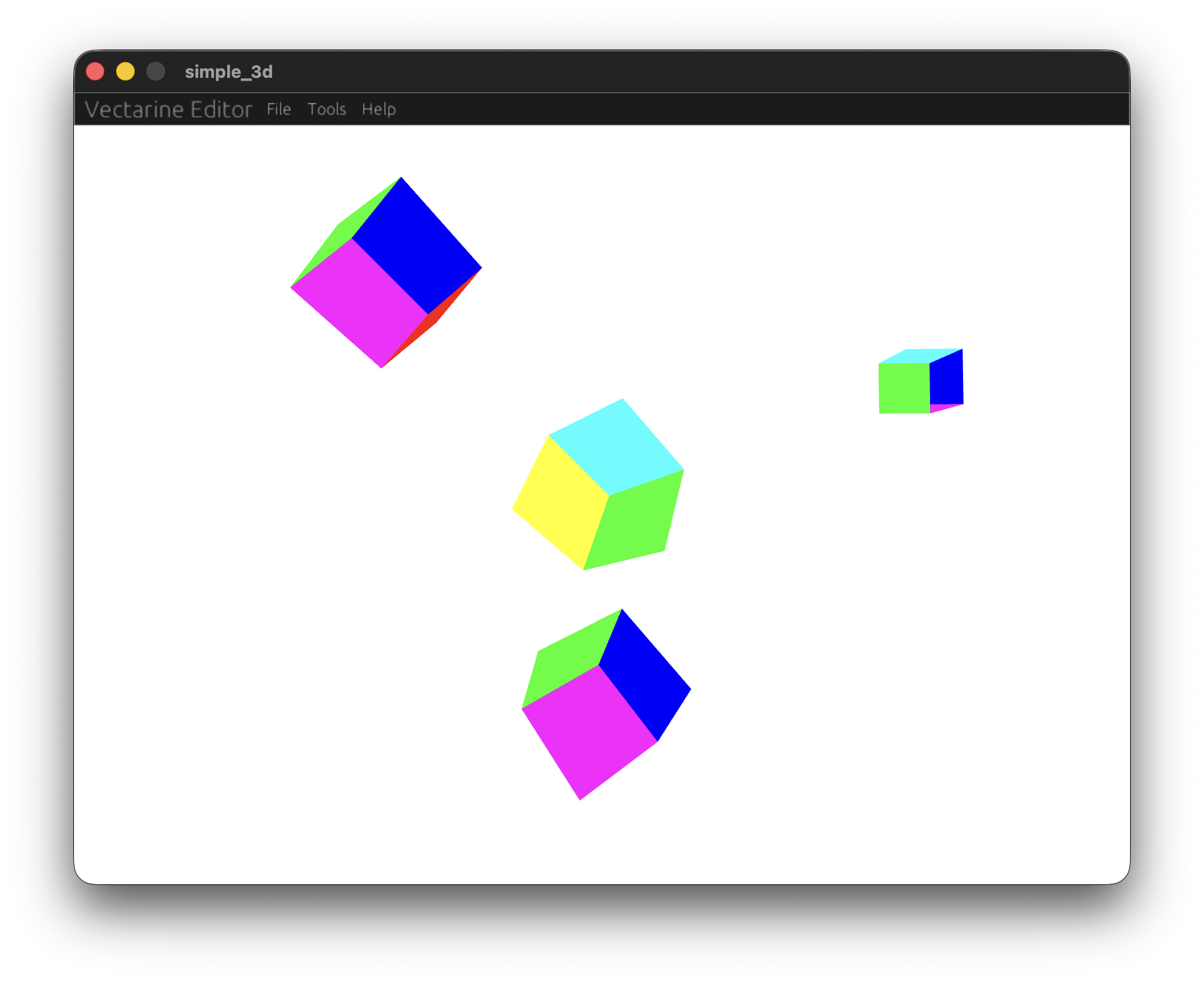
You can create simple 3D scenes.
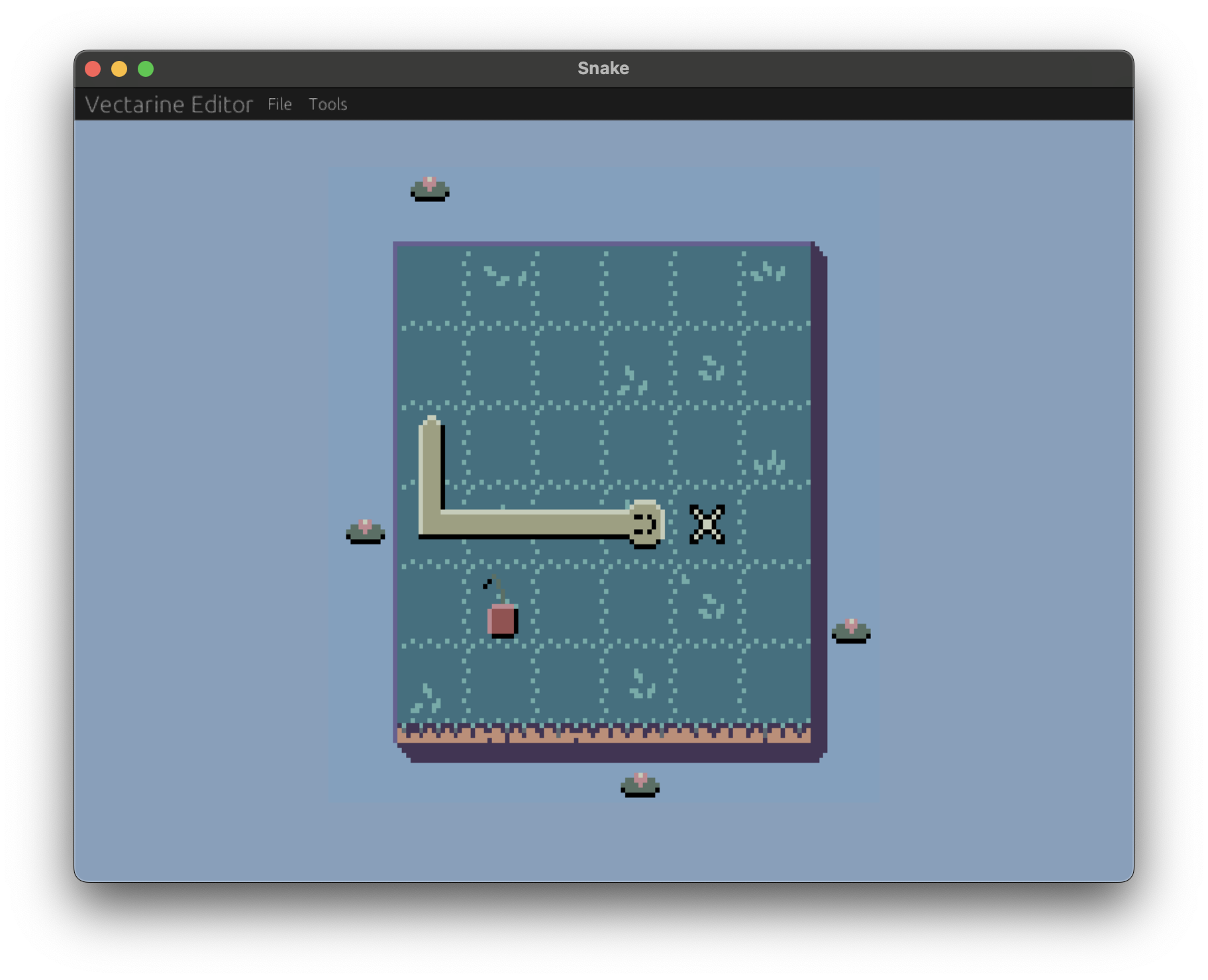
A Snake example game, showcasing how fast a game can be prototyped.
Comparisons
Section titled “Comparisons”Why Vectarine?
After trying out many game engines and frameworks, I’ve decided to make my own to reduce the friction of making games and prototypes.
Vectarine is a hybrid between a framework and an engine. It has a UI with an editor, asset management, debugging tools but you can still create your game by only writing code if you want to.
Vectarine is fast, fun to use, and reminds you that computers can be nice to work with, sometimes. No random crashes, weird bugs, slow exports or getting stuck because the engine doesn’t support doing something.
Why not Vectarine?
Vectarine might not be the best choice if you hate to code, but it can be a great starting point if you want to learn to code. You will need to program (in Luau) to make games in Vectarine.
However, I’ve made multiple games with it and can attest that it is fun to use and excellent for game jams!
Why Vectarine instead of Godot?
Godot is a great engine, but it is UI-driven with a lot of drag-and-drops meaning that you need to learn the interface to work on it. Moreover, its built-in features, regarding collision or tilemaps, push you towards a creative direction that might not fit your vision.
It is a great fit for a lot of games, but you might need to fight the engine if you want to do something truely original gameplay wise.
Vectarine has an interface but can be interacted with code which makes features more discoverable, versionnable and composable while the interface can still be used to manage assets, debug and play the game, edit levels, etc.
You cannot forget you put a game object behind a sprite with an incorrect offset in Vectarine. If you made a mistake at multiple places, you can use Search and Replace to fix it everywhere. In Godot, you would need to open each scene and fix it manually for example.
Why Vectarine instead of Unity?
Unity is a powerful engine, but it suffers from many of the issues of Godot, having a complex UI-driven interface. Moreover, Unity is slow to download, install, launch, start a project and export one. All these actions are instant with Vectarine, making it a much better choice for game jams and quick prototyping.
Because Vectarine allows for low-level interaction through Rust code, it can make better running games compared to Unity.
Why Vectarine instead of Love2D?
Like Love2D, Vectarine uses Lua for scripting, however, it has a built-in editor to manage assets and debug your game making it more productive than Love2D. Moreover, Vectarine uses Luau which provides types and autocompletion for your code making it easier to write and get documentation for your code.
Also, Vectarine has a built-in export to the web allowing you to export your project to itch.io in 3 clicks while Love2D requires third-party tools to do so.
Why Vectarine instead of Roblox?
Like Roblox, Vectarine uses Luau for scripting. Moreover, Vectarine is very grateful to Roblox for open-sourcing the Luau language which is what made Vectarine possible.
Roblox is a popular platform to create and play games, but it is limited to the Roblox ecosystem and has a lot of restrictions on what you can do with it. Roblox games have a specific look and feel that might not fit your vision.
Vectarine allows you to create and publish games to any platform without licensing or graphical restrictions.